Private folders for Android
Every pattern opens its own folder.
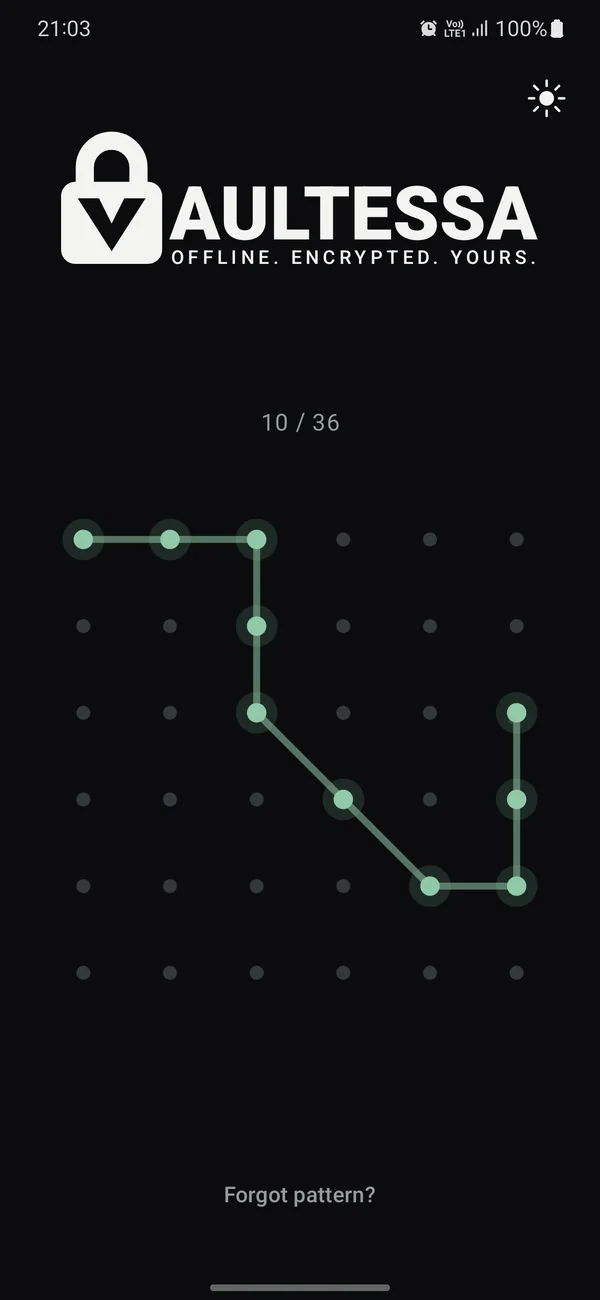
Vaultessa keeps your photos, videos, recordings and documents encrypted on your phone. Draw a pattern and its folder opens. There's no list of folders, no account and no cloud.
Features
Everything stays inside Vaultessa.
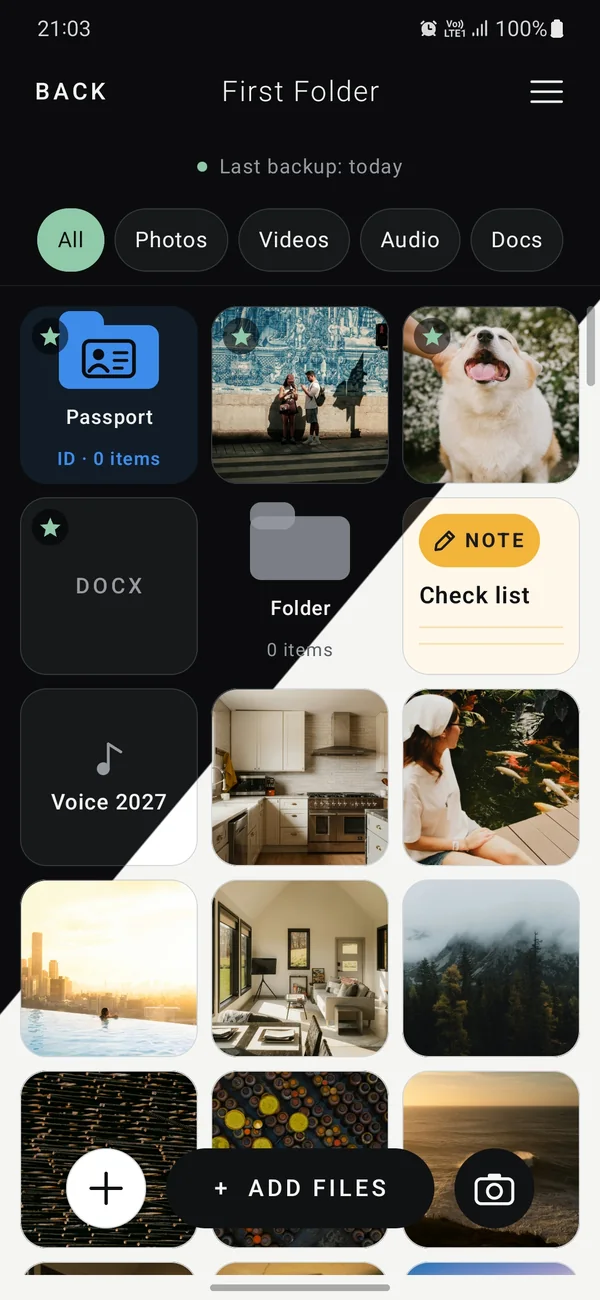
Add files, take photos and videos, and open them, without anything decrypted ever landing in your phone's storage.
Pattern folders
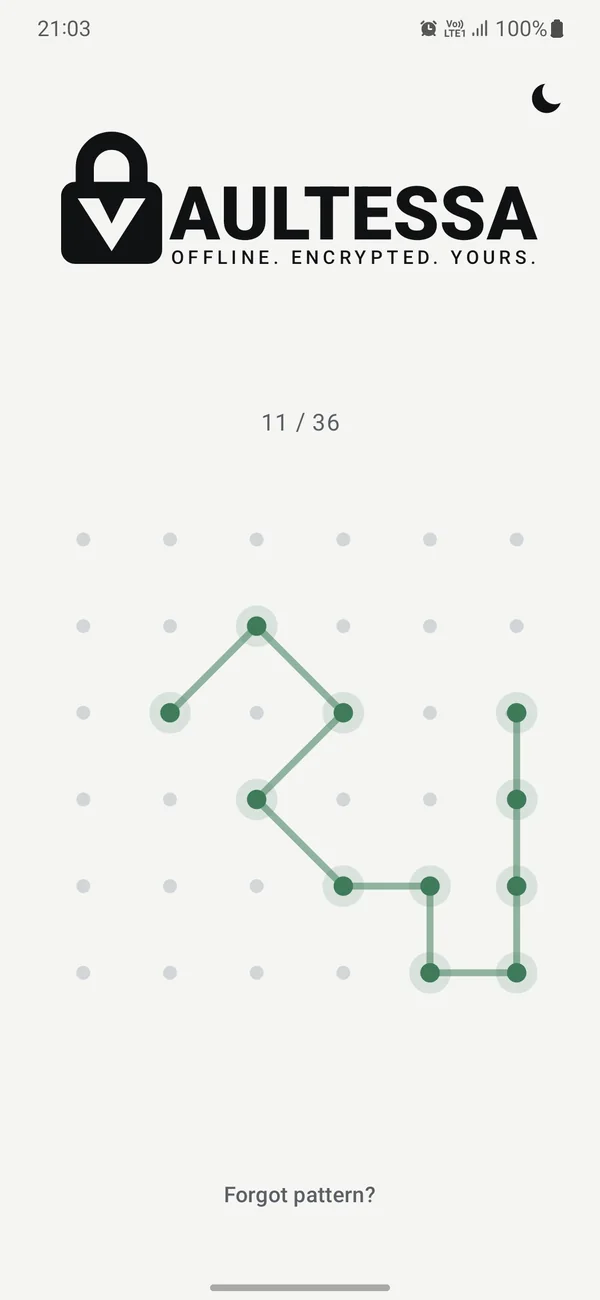
Each folder has its own pattern. The start screen never shows which folders exist.
Encrypted on your phone
Every file, name and folder is encrypted with its own key, protected by your phone's secure hardware.
Camera, notes & voice
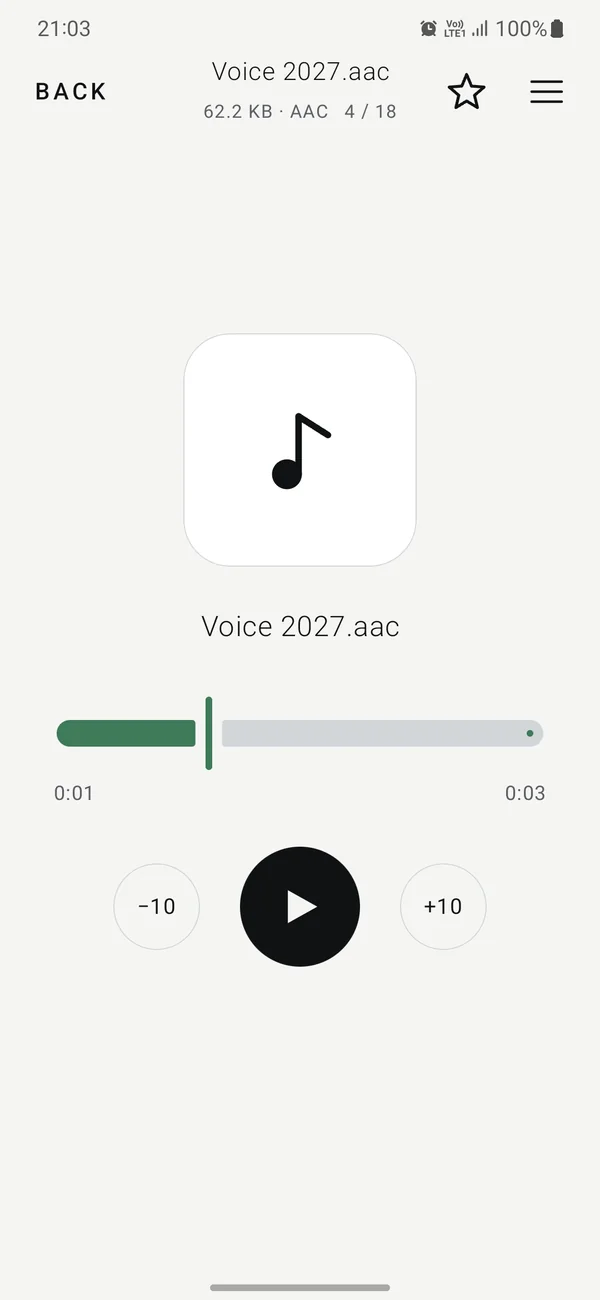
Take photos and videos, write private notes and record your voice inside Vaultessa. Everything goes straight into the folder, never into your gallery.
Photos, videos, music
Zoom photos, watch videos and play music or voice recordings, all decrypted only in memory.
Documents
Open PDFs, Word, Excel, PowerPoint and text files without another app ever seeing them.
Disguised app icon PRO
Change Vaultessa's icon and name on your home screen, so it looks like an ordinary app.
Offline, no account
No sign-up, no cloud and no servers. Vaultessa works without internet, and your folders exist only on your phone.
Recovery code & backups
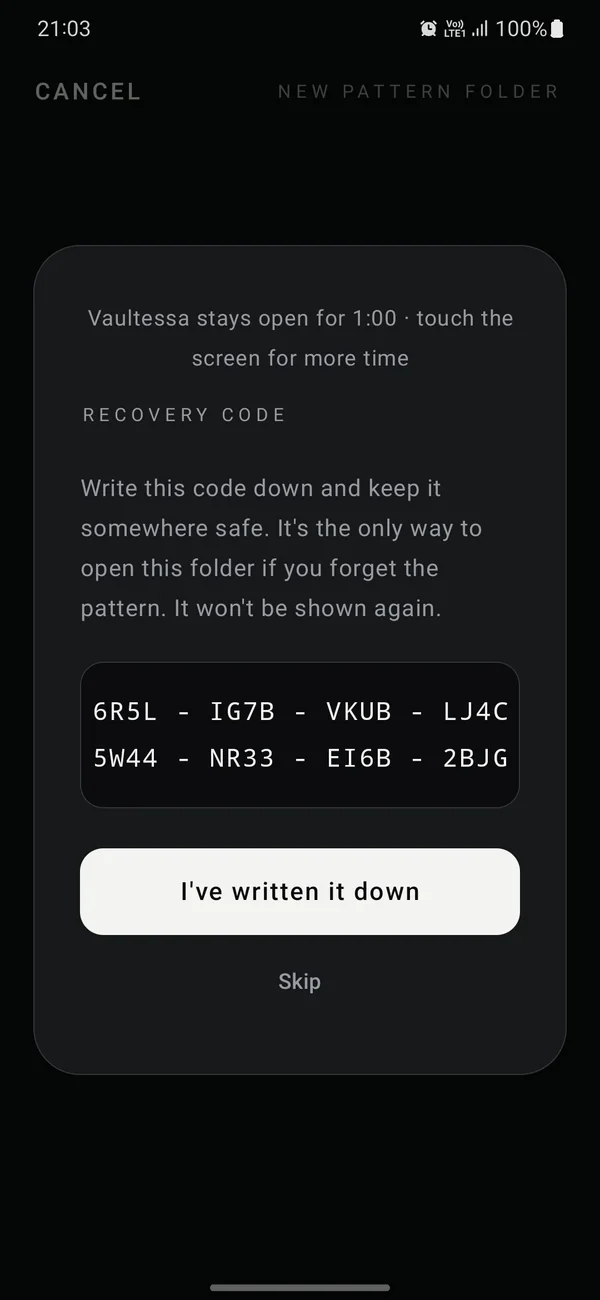
A 32-character recovery code opens a folder if you forget its pattern. Encrypted backups move folders to a new phone.
Emergency folder PRO
A folder with its own pattern for when you're forced to open Vaultessa. Opening it hides every other folder until you enter your emergency phrase.
Intruder photos
When someone draws a wrong pattern, Vaultessa takes a photo with the front camera, with no sound and no preview. Only your folder can see it, and it tells you when you open it.
How it works
Three steps, then it stays out of your way.
Draw a new pattern
Draw it three times to confirm, give the folder a name, and write down its recovery code.
Add your files
Pick them from your phone, use the private camera, or write a note or record your voice. Vaultessa encrypts them as they come in.
Leave, and it locks
Next time, draw the same pattern to open the same folder. A different pattern opens a different folder.
Inside the app
Simple on the outside. Locked on the inside.
Documents
Your ID card doesn't belong in your gallery.
Many people keep photos of their ID, passport, cards and contracts in the phone's gallery, where anyone scrolling through your photos can see them, and so can every app you've given access to your photos. Keep them in Vaultessa instead.
IDs and passports
Photos of your ID card, passport, driving licence or residence permit.
Cards and insurance
Health insurance card, bank and loyalty cards, policy numbers.
Papers and contracts
Contracts, certificates, medical results, receipts and warranties, as photos or PDFs.
There when you need them
Open them whenever you have to show one, even with no internet. Leave the app and they lock again.
Move them out of your gallery
- Open a folder and tap + ADD FILES.
- Select the document photos. Vaultessa keeps an encrypted copy.
- Delete the originals from your gallery, then empty its trash (“Recently deleted”).
- If your photos are backed up to a cloud, such as Google Photos, delete them there too.
- Next time, take the photo with Vaultessa's own camera. It never reaches the gallery.
Keep what's private on your phone, private.
Free to start. No account, no sign-up, no ads.
Privacy
Your files never leave your phone.
Vaultessa works fully offline. It only talks to Google Play to buy or restore Pro, and, with a subscription, once a day to check it.
No account, no cloud
Nothing to sign up for and nothing uploaded. Your folders exist only on your phone.
A copy of the storage isn't enough
Keys are locked by your phone's secure hardware, so patterns can't be guessed on a computer.
Guessing gets slow, fast
After 5 wrong patterns Vaultessa waits 3 minutes, then 6, then 12, and so on. Changing the clock doesn't help.
No ads, no analytics
Vaultessa has no advertising and no analytics of its own.
Built only on established, maintained cryptography. No home-made encryption.
Pricing
Start free. Go Pro when you need more.
Free
Forever
- 2 pattern folders
- 100 files per folder
- Private camera, notes and voice recordings
- Photo, video, music and document viewer
- Recovery codes and encrypted backups
- Intruder photos of wrong patterns
Pro
One payment, yours for life
- Everything in Free
- Unlimited pattern folders
- Unlimited files
- Emergency folder
- Disguised app name and icon
Guides
Keeping things private on Android.
FAQ
Questions people ask.
What happens if I forget a pattern?
Use that folder's recovery code under "Forgot pattern?" and draw a new pattern. Without the pattern and the recovery code, the folder can't be opened by anyone, including us.
Can someone see that I have hidden folders?
The start screen never lists folders, and each one opens only with its own pattern. Someone holding your phone can tell that Vaultessa is installed and in use, but not what's inside or which patterns exist.
What is the emergency folder?
A Pro feature for situations where you're forced to unlock Vaultessa. It has its own pattern; opening it with that pattern hides all your other folders. They come back only with your emergency phrase.
Are my files uploaded anywhere?
No. Vaultessa has no servers and no account. Files stay encrypted on your phone. To move to a new phone, make an encrypted backup file and restore it with the folder's recovery code.
Can I see who tried to open my folders?
Yes. Switch on Intruder photos in a folder's settings. When someone draws a wrong pattern on the start screen, Vaultessa takes a photo with the front camera, with no sound and no preview (newer Android versions briefly show their small camera dot). The photos are encrypted, only that folder can show them, and the folder tells you about new ones when you open it.
Can I keep photos of my documents in Vaultessa?
Yes. Photos or scans of your ID, passport, cards, contracts or medical papers can be added like any other file and open whenever you need them, even offline. Add them, then delete the originals from your gallery and its trash, and from any cloud photo backup.
Do the original files stay in my gallery?
Adding files copies them into Vaultessa. Delete the originals yourself afterwards if you don't want them in your gallery. Photos and videos taken with Vaultessa's own camera never appear there.
What happens if I stop my subscription?
Nothing is deleted or locked away. Every folder still opens with its pattern, and every file can still be viewed, exported or deleted. You just can't add more than the free limits (2 pattern folders, 100 files per folder) until you have Pro again. An emergency folder or disguised icon you already set up keeps working.
What if I uninstall the app?
Uninstalling deletes all folders for good. Make a backup first if you want to keep anything.
Step-by-step guides for everything else: Vaultessa Help.