Help · Everyday use
Camera, notes, voice recordings and media
Photos and videos taken with Vaultessa's own camera go straight into the open folder, encrypted. They never appear in your phone's gallery.
Step by step
- Open the camera
In a folder, tap the round button next to + ADD FILES. The first time, Android asks for camera access. For video sound it also asks for the microphone; without it, videos are recorded silently.
- Take photos or videos
Switch between PHOTO and VIDEO at the bottom. Tap to focus, pinch to zoom, change the flash at the top and flip between the front and back camera.
- Find them in the folder
Each photo and video is saved in the folder you were in. Videos show their length on the tile.
- Write a private note
Tap the round + button on the left of + ADD FILES, then the pen. Give the note a title and write. It's saved as an encrypted text file, and the keyboard is asked not to learn from what you type. Notes show NOTE and their title on the tile.
- Record your voice
Tap +, then the microphone, and tap the red button to start. The green bar shows that the microphone hears you. Pause and continue as often as you like, then tap stop and give the recording a name (or keep the date name).
The sound goes straight into the encrypted file while you record. If Vaultessa locks during a recording, what you recorded is still saved.
- Open and play files
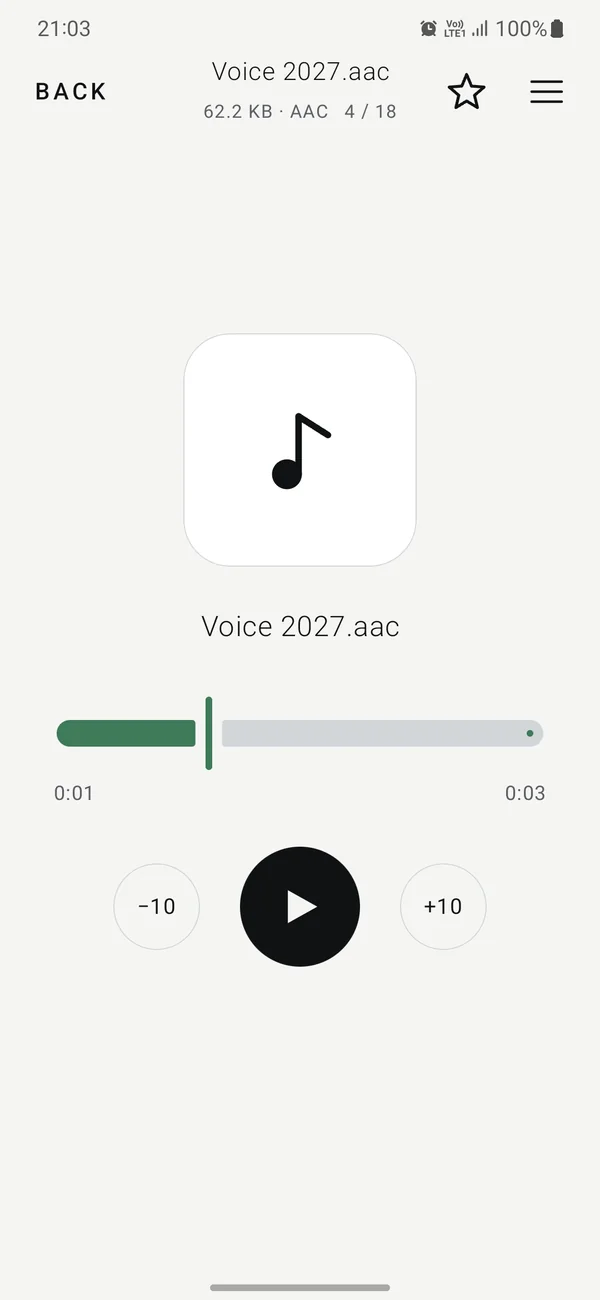
Tap a file to open it and swipe to the next one. Videos, music and voice recordings play inside Vaultessa, with −10 / +10 second buttons for audio.
Documents open inside too: PDF, Word (.docx), Excel (.xlsx), PowerPoint (.pptx), OpenDocument text and plain text files. Older .doc, .xls and .ppt files can be kept and exported, but not shown.
Leaving the app locks it, so music and videos stop. Nothing plays in the background, and nothing decrypted is saved to the phone while you watch or listen.
Vaultessa Free holds up to 100 files in each folder. Pro removes the limit.
Need more help?
See all help topics, or write to aa.appcraft.dev@gmail.com. We can't open folders or recover codes, but we're glad to explain anything.